Free on FAB
Unreal Engine 5 audio manager
Easy Music Manager is a free Blueprint asset that takes over the music and ambient audio layer of an Unreal Engine 5 project. Audio trigger zones, Sound Class volume control and per-track looping, all driven from one DataTable.
What it manages, and what it does not
Worth being straight about this before you download. This asset owns the music and ambient audio layer. It is not a sound effects manager.
It handles
- Which ambient track is playing, and what plays next
- Audio trigger zones that swap the audio by area
- Transitions between tracks, with your own timings
- Per-track looping, set inside the manager
- Sound Class routing for music volume
It does not handle
- Sound effects, footsteps or weapon audio
- One-shot SFX pooling
- Dialogue or voice-over systems
- Spatialised 3D point audio
- Occlusion and reverb zones
One DataTable for the whole audio layer
Configure it in the editor, not in Blueprints
- Every track is a row, and every row carries its own audio settings
- Accepts any SoundBase asset: SoundWave, SoundCue or MetaSound Source
- Looping is set on the row, not on the imported asset
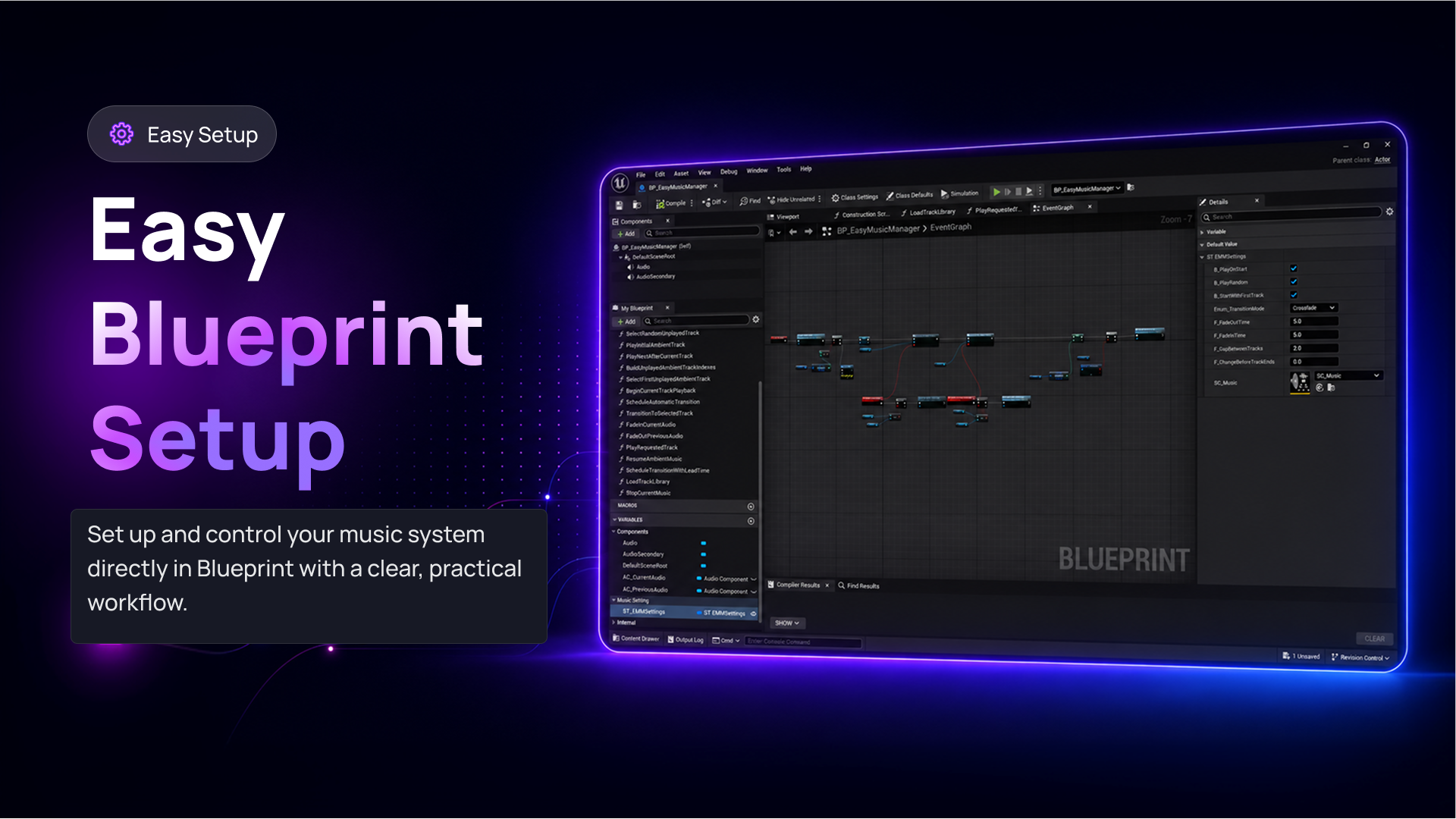
- Global settings live on one manager Blueprint, in one Details panel
- No Tick, and no C++
Audio trigger zones
Place a trigger volume, resize its collision to cover the area, and choose which track it requests. Entering swaps the audio. Leaving returns to the ambient rotation. Each trigger carries its own fade-out, fade-in and gap values, so a cave can behave differently to a boss arena.
Per-zone timings
Transition settings live on the trigger, independent of the manager's global configuration.
Hold while inside
Set the requested track to loop and it keeps playing for as long as the player stays in the zone.
Clean exit
On leaving, the manager finds the next valid ambient track and transitions to it using the trigger's own settings.
Sound Classes and volume control
A Sound Class structure ships with it: a Music class under a Master class. Assign the Music class to your audio assets and music volume becomes something an options menu can drive on its own, separately from everything else in the mix.
Questions
Before you download
- Is this a full audio manager for a UE5 game?
- It owns the music and ambient audio layer. Sound effects, dialogue and spatialised point audio stay with Unreal's own audio system.
- What audio assets does it accept?
- Any SoundBase-compatible asset: SoundWave, SoundCue or MetaSound Source.
- Should I enable looping on the SoundWave?
- No. Leave the asset's own looping disabled and set it on the track row instead, so the manager can detect when a track ends.
- Which Unreal Engine versions does it support?
- Unreal Engine 5.5, 5.6, 5.7 and 5.8, on Windows, Mac and Linux.
- What does it cost?
- Nothing. It is free on FAB.